Homelabbers and small business administrators share one painful truth: they are the IT department, the finance department and the disaster recovery plan — all at once. Fortunately, Proxmox Backup Server delivers enterprise-grade backup that fits on a mini PC and costs nothing in licenses. This article collects the practices we have seen work best in small environments, from hardware selection to the maintenance habits that keep a backup system trustworthy for years.
Sizing Hardware for Proxmox Backup Server in a Small Environment
The software is famously light on resources: a 64-bit CPU, a couple of gigabytes of RAM and any capable machine will run it. The real decision is storage. For homelabs, a pair of mirrored disks — preferably SSDs or a ZFS mirror of spinning rust with an SSD cache — hits the sweet spot between cost and restore speed. Deduplication means you do not need to size the datastore for "backups × retention"; estimate your real data plus daily churn and add comfortable headroom. A popular starting point is two to three times the logical size of everything you protect.
Separate the Backup Machine from Production
It is tempting to run the backup server as another VM on the same Proxmox VE host that it protects. It works — but it defeats the purpose. A failed motherboard in the main host should not take your safety net down with it. Even an old desktop or a secondhand mini PC in a different room provides genuine separation. If space or budget is truly tight, at least ensure the datastore lives on physically distinct disks from your production storage.
- Rule one: the backup server must survive the loss of any single production host.
- Rule two: a copy of your data should exist outside the building.
Retention Schedules That Actually Make Sense
Because deduplication makes extra snapshots nearly free, small environments tend to over-retain. A sane default for a homelab is 7 daily, 4 weekly and 3 monthly snapshots, reviewed every six months. Small businesses often add a yearly archive for compliance or sentimental value. The prune system is easy to adjust later, and garbage collection quietly reclaims space as old snapshots disappear — so start conservative and tune with real numbers.
Off-Site Copies and Sync Jobs
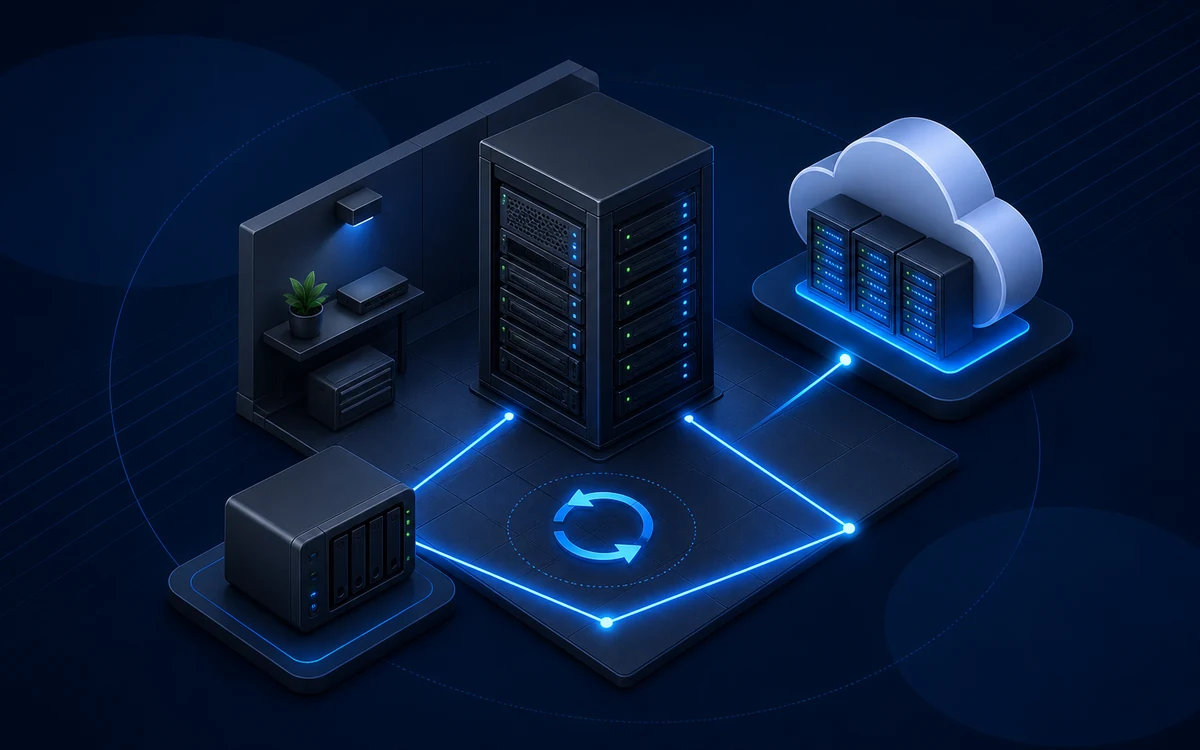
Fire, theft and ransomware do not respect your rack. The remote sync feature solves the classic 3-2-1 problem elegantly: a second Proxmox Backup Server instance — at a relative's house, a small office or a cheap VPS with attached storage — pulls everything from your primary datastore over an encrypted connection. Only new chunks cross the wire, so even a slow home connection can maintain a current off-site copy overnight. For encrypted datastores the sync remains fully private, since the remote server never sees plaintext or keys.
A Monthly Ten-Minute Maintenance Routine
Trust in a backup system is built through boring, repeated checks. Once a month, glance at three things: that all backup jobs finished without warnings, that verification jobs are passing, and that the datastore has headroom left. Then, once a quarter, perform one real restore of something important. If you have not yet set up your own instance, the quickest start is to download proxmox backup server, install it on the spare machine you have been meaning to use, and protect a single test VM this weekend.